OFX pluginDaVinci Resolve Studio & Free30+ effectsWindowsmacOS
Anamorphic glass.
On one node.
Squeeze, oval bokeh, flares and grain. Drop it on an adjustment clip and grade.
Windows and macOS · DaVinci Resolve Studio and Free · see it right here
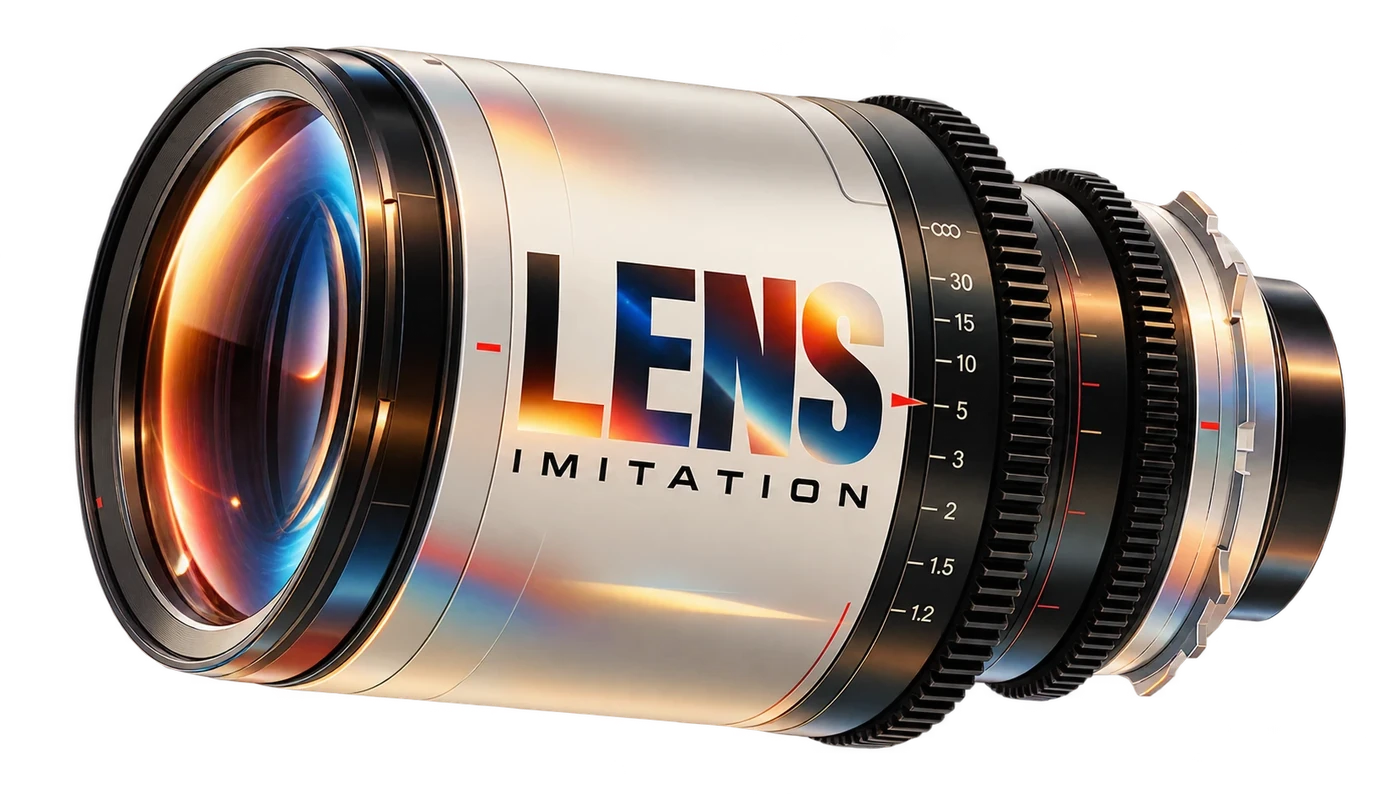
Grab a slider.
Pick a shot. Switch to Scope. Drag the flare.
 DaVinci Resolve Studio · Short Film · Edit
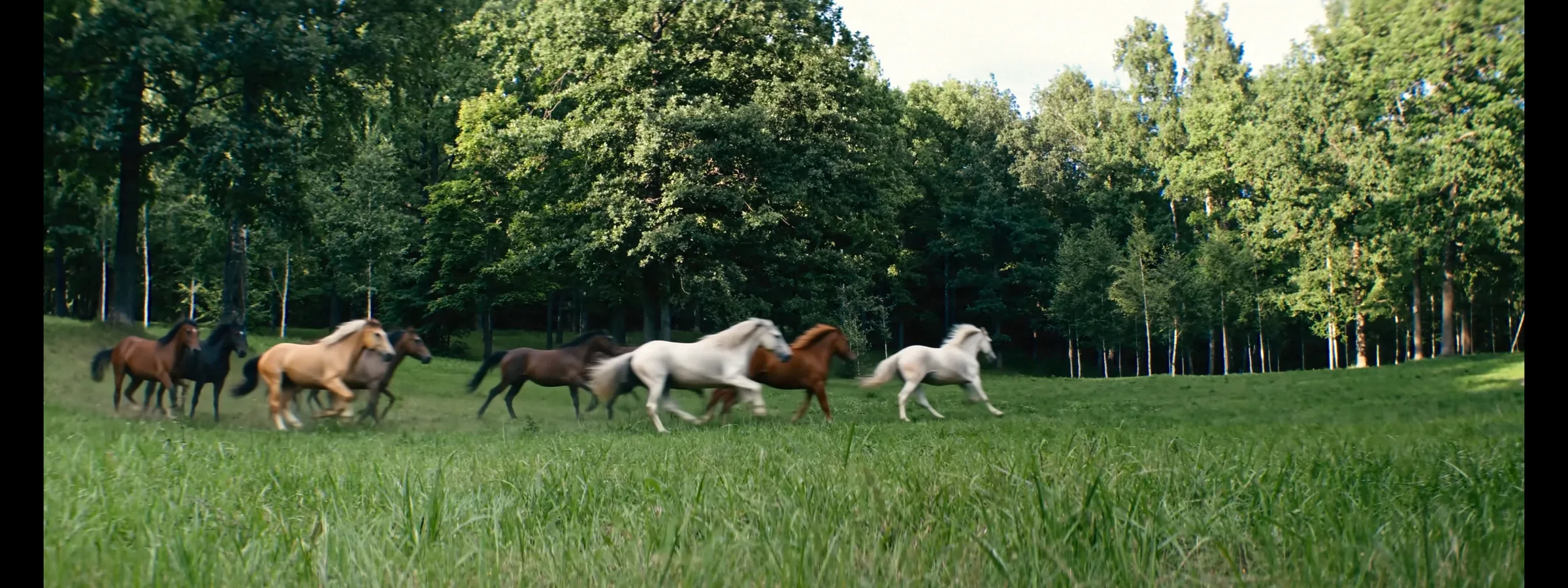
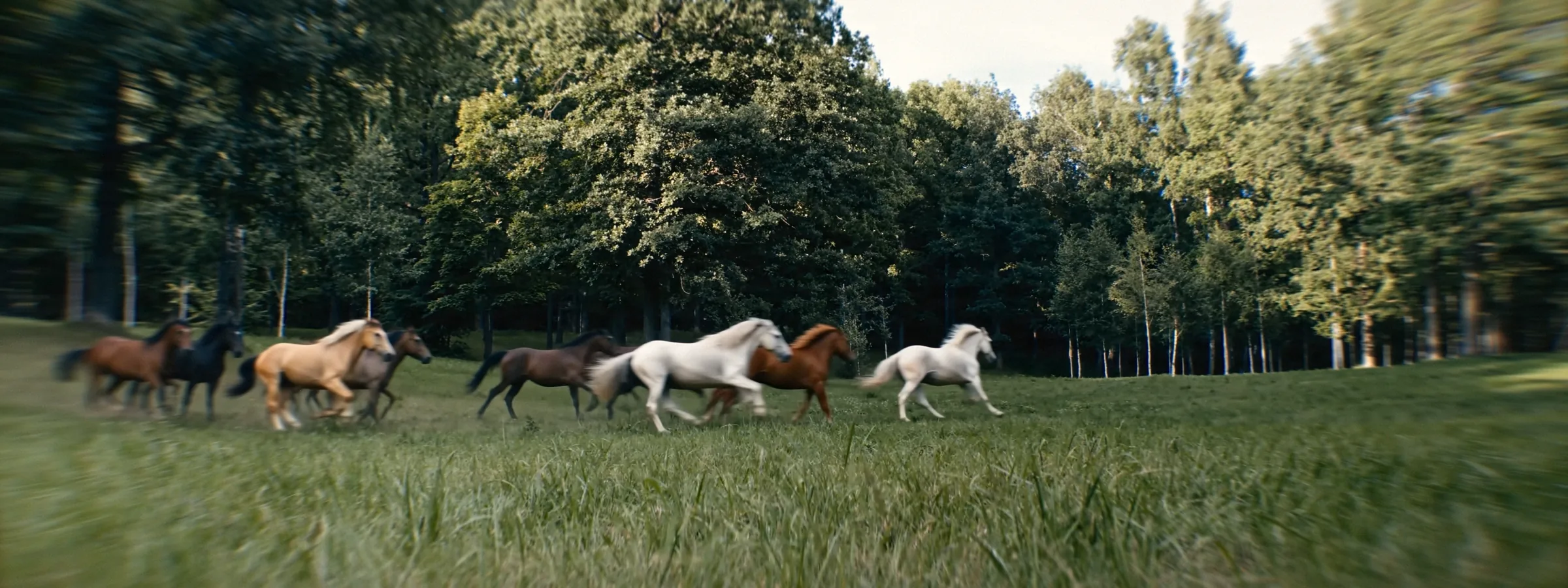 OriginalLens Imitation
Web preview. In Resolve the plugin renders every section on the GPU in full quality.
Shot spherical.
Finished anamorphic.
 CameraLens Imitation
Generated clean.
Graded through glass.

 AI frameNight Glints

 AI frameSoft Dream
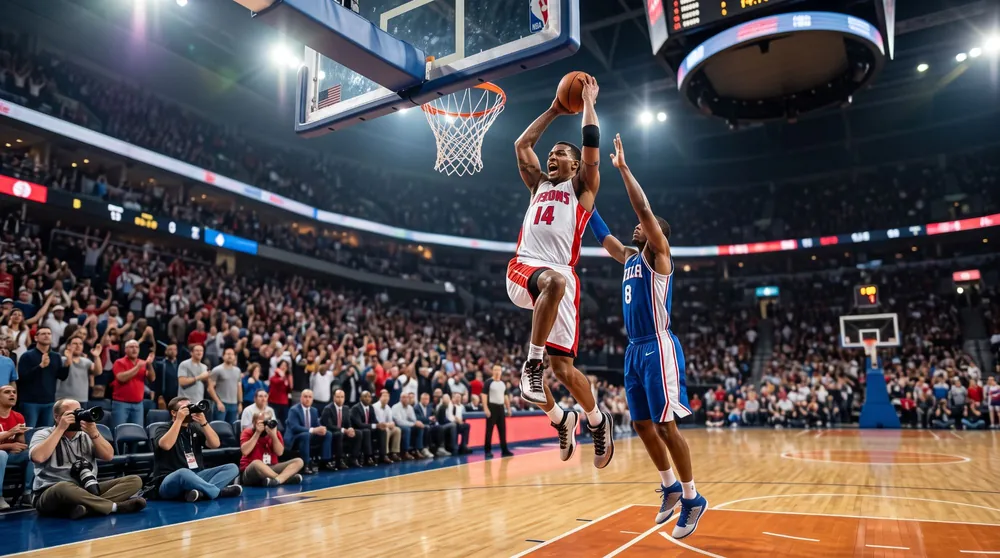
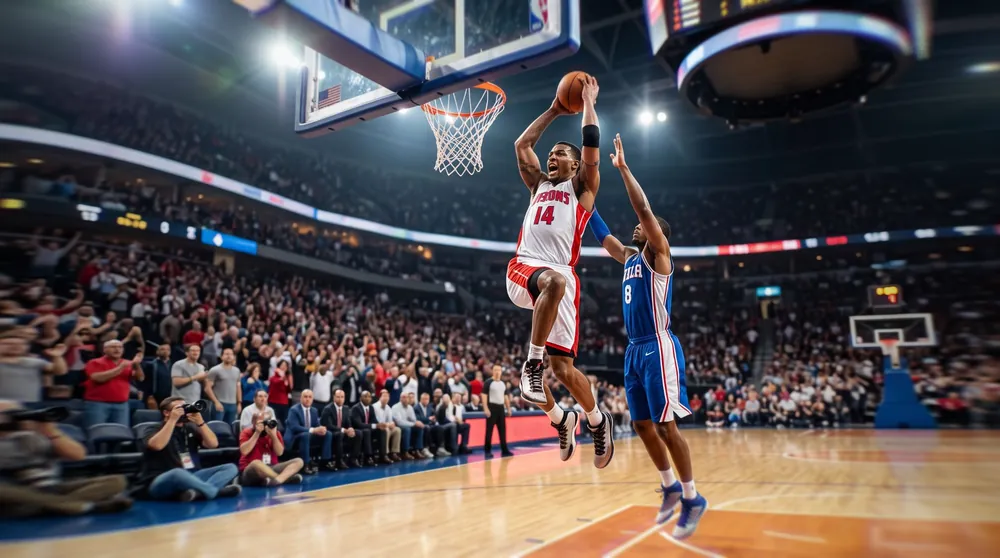 AI frameClean 2x Anamorphic
Every “after” on this page is rendered by the plugin itself.
What people say.
Used Lens Imitation? Tell others how it went. No sign-up, just your name.
Leave a review
Inside the OFX.
Glass
Edge StretchSqueeze 1.33x to 2xAstigmatismOval BokehChromatic AberrationVignetteFisheye
Light
Anamorphic FlareFlare TrackerHalationBloomHighlight BoostPrism GlowComa
Film
Grain 8 to 65 mmGate WeaveDust & HairLight LeaksFlickerFilm GateSwirl
Looks
Әl-Bai StyleSoft DreamClean 2xVintage 16mmRetro 70sHome Movie 8mmFlashback DreamWarm DramaNight Glints
- Host
- DaVinci Resolve 20+, Studio and Free · Edit, Color, Fusion and Photo pages
- GPU
- 4 GB of video memory or more
- License
- One key for two computers, Windows or Mac · free updates
- Trial
- Full plugin with a watermark
Questions. Answers.
Does it work in the free DaVinci Resolve?
Yes. Lens Imitation runs in DaVinci Resolve (the free version) and in DaVinci Resolve Studio, version 20 and newer, on the Edit, Color, Fusion and Photo pages.
What comes with a license?
One license works on 2 computers, updates are free.
Can I put it on only part of the frame?
Yes. Use a mask: on the Color page draw a window or a mask on the node with Lens Imitation, and the effect stays only where you want it.
How do I try it before buying?
Download the plugin for Windows or Mac and try every effect on your own footage. Until you enter a key, the picture carries a watermark. Enter your key in the same plugin and the watermark goes away.
What computer do I need?
Windows 10 or 11 (64-bit) with 16 GB of memory, or a Mac on Apple Silicon with macOS 15 Sequoia or later and 8 GB of memory. A graphics card with 4 GB of video memory or more. The full list is on the download page.
Where do I find it in Resolve?
Run the installer and restart Resolve. Open Effects, then OpenFX, then Әl-Bai Tasvir, and drag Lens Imitation onto an adjustment clip or a node. The tutorial walks through every slider.
Is the license mine forever?
Yes. You pay once and keep the key for good. Every update is free.
How many computers can I use?
One key works on two computers at the same time, Windows and Mac in any mix.
I got a new computer. What now?
Enter your key on the new computer. It takes the place of the one that has been offline the longest. Keep the key private: whoever has it can take a place.
Where is my key after payment?
On the page right after payment and in your inbox. Look in Spam and Promotions too, then save the key somewhere safe. Lost it? Write to baiproductionwork@gmail.com from the e-mail you paid with.
Where do I keep my keys and promo codes?
In your personal account. The letter with your key has a link to create it. Every key and promo code you get stays there, and two-factor sign-in with an authenticator app keeps the account safe.
Do I need the internet?
Once to activate. After that the plugin checks in about once a day and keeps working offline for up to 30 days.
How do I pay?
By card (Visa, Mastercard, JCB, Discover, Diners Club and others), PayPal or Apple Pay in US dollars or euros. In euros also iDEAL, MB WAY, Bancontact or a SEPA transfer; Pix too. In rubles: SBP or a Mir card through Tochka Bank. The key arrives right after payment.
Dollars and euros go through lava.top, rubles through Tochka Bank. You enter card details on their protected page, and they go straight to the bank.
Something went wrong. Who do I write to?
Press Write to us below and attach screenshots or a screen recording. Inside the plugin, Write to Support in the License section opens the same form and sends the plugin log along. I read every message myself.
Will the plugin speak my language?
Yes. Pick English, Español, Deutsch, Français, Português, Italiano, 日本語, Русский or Татарча in Language at the bottom of the panel. Names, hints and messages switch at once, and your choice stays for new projects.
Put glass on your timeline.
Free trial with a watermark · installers and PDF guides in one folder · support: baiproductionwork@gmail.comVersion roadmap.
3.0Tracker 2.0, new flare types, rain and snow
Out now · Windows and macOS
Tracker 2.0 and a much faster plugin overall. New flare types, rain and snow on the lens, tilt-shift, broken glass and fisheye. A personal account and a handier menu: presets, Reset and tutorials right in the panel.
Earlier versions
2.9Lens FX, real layer order, 70 mm grain
Lens FX, a new section: Golden Glow, Rainbow Star, Side Ghost, Through Glass, Rain on Lens, Broken Glass and Sun Catcher. Layers stack the way real glass does: glass and rain break the anamorphic flare, and optics and film sit on top. Film Grain gets three emulsion layers, grain softness and a new 70 mm 15-perf format. Halation gets a wide red glow, a highlight threshold, a red to orange hue and the light’s own colour. Film Gate moves, scales and rotates the frame. Effect centres move right in the viewer with on-screen handles.
2.8.1Vaseline Glass, deeper swirl, Reset
Vaseline Glass, a new edge effect from old-school cinema: light melts outward in soft finger strokes and the centre stays crisp. Swirl Bokeh and Swirl Zoom go up to 200. Distortion reaches −200 and bends the edges hard and smoothly. Each Film Gauge brings its own grain, so 8 mm gives a true Super 8 texture at once. A Reset button at the top brings every section back to its defaults. Language now sits at the bottom of the panel.
2.8Your language, finer halation
The panel speaks nine languages: English, Español, Deutsch, Français, Português, Italiano, 日本語, Русский, Татарча. Halation glows softly from the edges of bright objects onto their darker surroundings, Distance sets how far it reaches, and Saturation sets its colour. Bright areas keep their own colours. Flare Scale sizes the whole anamorphic flare. Tutorials and Write to Support sit right in the panel.
2.6Swirl, Prism and real film grain
Swirl Bokeh and Prism get their own sections. Film grain is rebuilt with real dye layers. Fill Black Sides stretches 16:9 shots out to scope timelines. Thirteen looks. Vertical frames get the full edge effects. The flare tracker now holds the light through flashes, motion blur and short occlusions.
2.5Film Gate, any frame
Width and Height shape any custom frame, from Academy to wide scope, with soft rounded corners.
2.4Lens Imitation on Mac
A native macOS version for Apple Silicon and Intel, plus PDF guides for Windows and Mac.
2.1Anamorphic Flare with its own tracker
The signature flare of anamorphic glass, drawn from the light itself: a white-hot core, a long blue line, a soft glow and a purple ghost. Put the crosshair on a lamp, press Track, and the built-in tracker follows that light frame by frame through the whole clip, forwards, backwards or both ways, while Resolve stays usable. Auto mode finds the brightest light by itself.
2.0The foundation
Everything Lens Imitation stands on, built and tested over dozens of internal versions: edge compression that keeps the centre 1:1, astigmatism, chromatic aberration, vignette, distortion and fisheye, Prism Glow, Coma, Vintage with Highlight Boost, Film Texture, Film Gate and ready looks. Every effect fades in softly from zero.