Anamorphic glass.
On one layer.
Squeeze, oval bokeh, flares and grain in Premiere Pro and After Effects. Drop it on an adjustment layer.
Grab a slider.
Pick a shot. Switch to Scope. Drag the flare.
Premiere Pro · Short Film · Editing
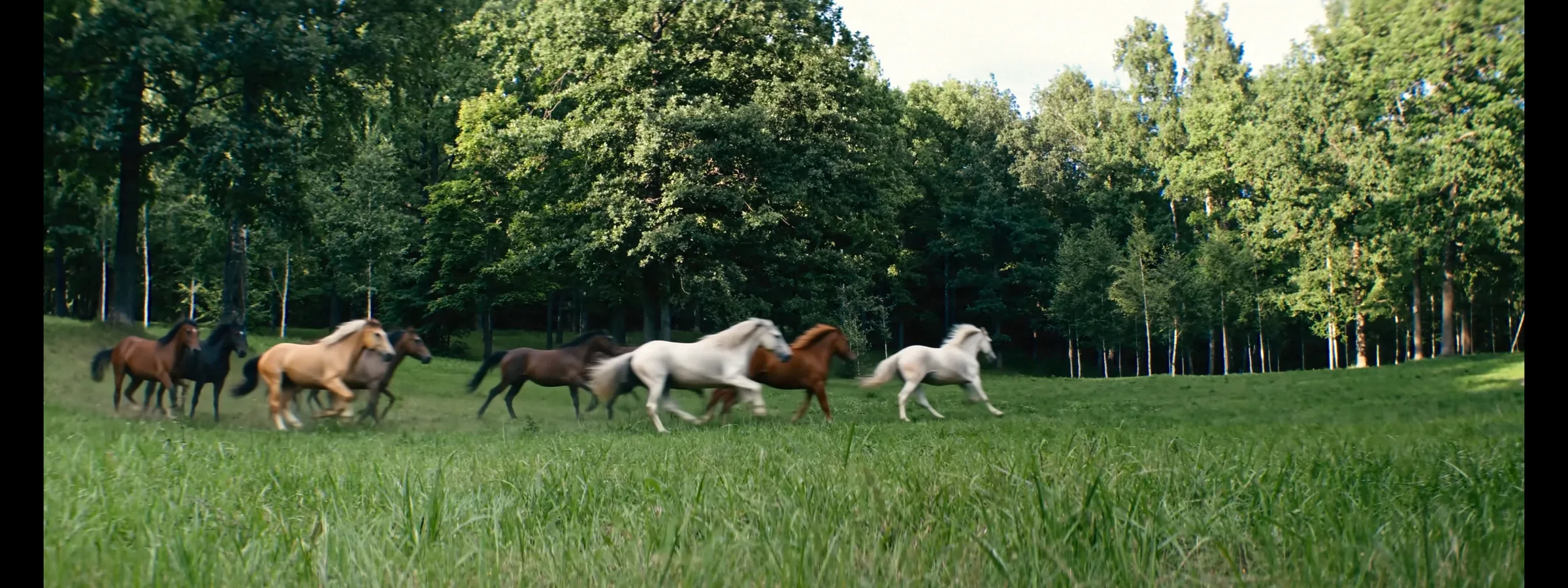
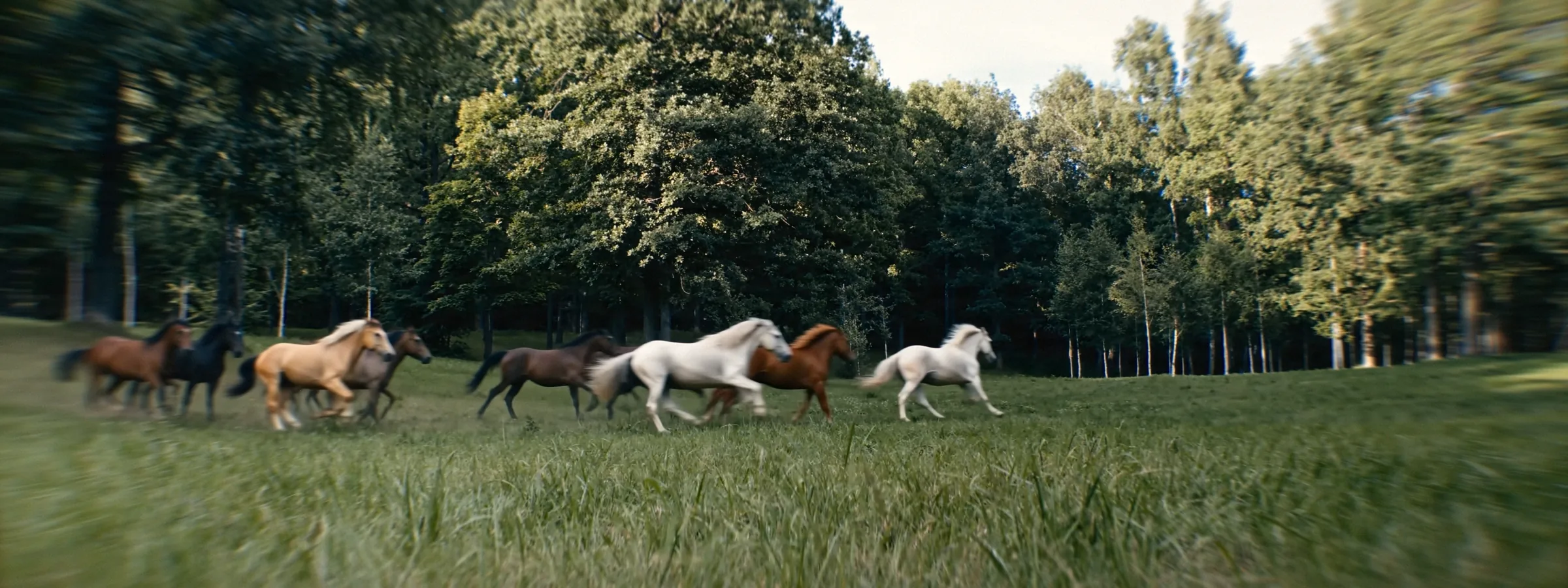 OriginalLens Imitation
Shot spherical.
Finished anamorphic.
 CameraLens Imitation
Generated clean.
Graded through glass.
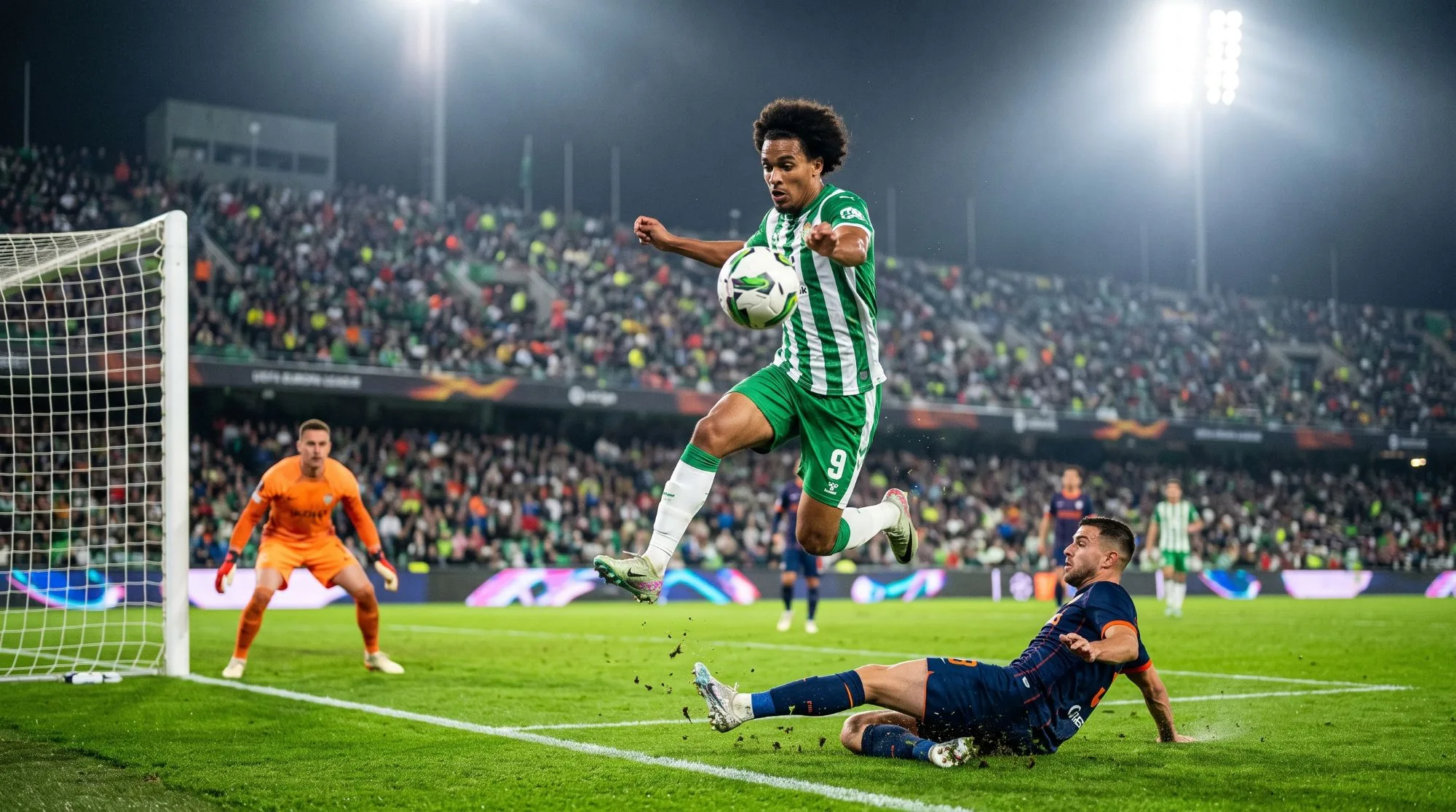
 AI frameNight Glints

 AI frameSoft Dream
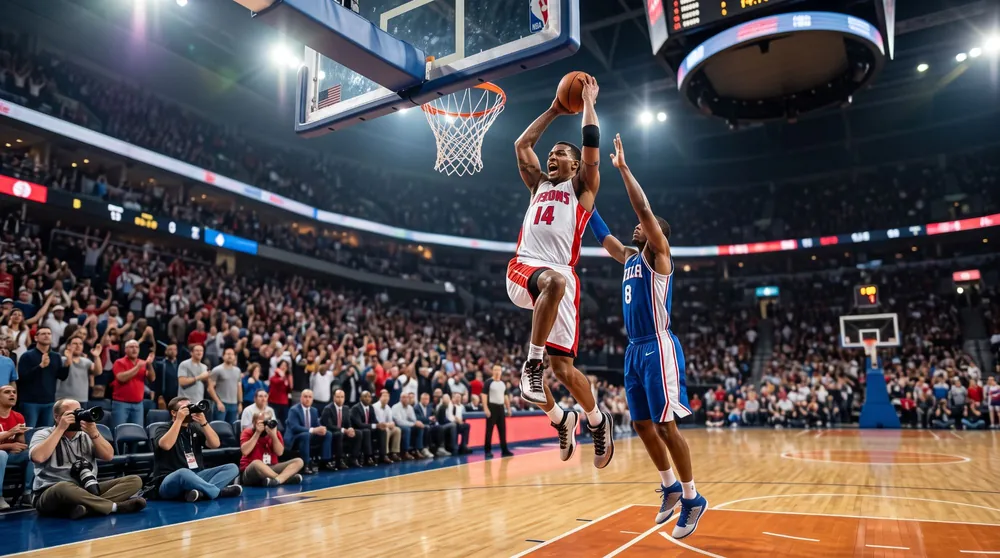
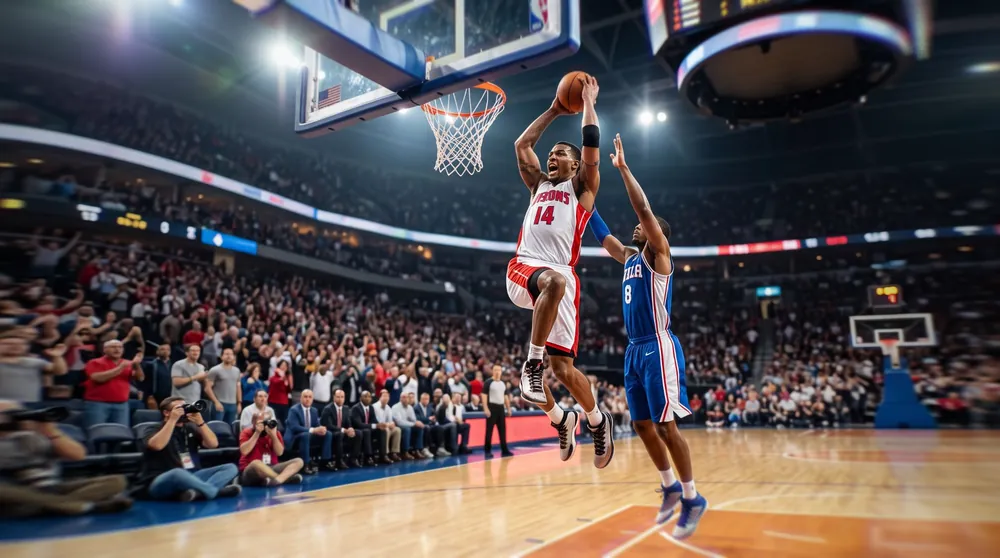 AI frameClean 2x Anamorphic
What people say.
Used Lens Imitation? Tell others how it went. No sign-up, just your name.
Leave a review
Inside the plugin.
Glass
Edge StretchSqueeze 1.33x to 2xAstigmatismOval BokehChromatic AberrationVignetteFisheye
Light
Anamorphic FlareHalationBloomHighlight BoostPrism GlowComa
Film
Grain 8 to 65 mmGate WeaveDust & HairLight LeaksFlickerFilm GateSwirl
Looks
Әl-Bai StyleSoft DreamClean 2xVintage 16mmRetro 70sHome Movie 8mmFlashback DreamWarm DramaNight Glints
- Host
- Premiere Pro 2027 and After Effects 2027 · Windows
- GPU
- 4 GB of video memory or more
- License
- One key for Premiere Pro and After Effects on two computers · free updates
- Trial
- Full plugin with a watermark
Questions. Answers.
Does it work in Premiere Pro and in After Effects?
Yes. One plugin and one key for Premiere Pro 2027 and After Effects 2027 on Windows. Put it on a clip or on an adjustment layer.
What comes with a license?
One key works in Premiere Pro and After Effects on 2 computers, updates are free.
Can I put it on only part of the frame?
Yes. Put Lens Imitation on an adjustment layer and draw a mask on that layer: the effect stays only inside the mask.
How do I try it before buying?
Download the plugin for Windows and try every effect on your own footage. Until you enter a key, the picture carries a watermark. Press ACTIVATE LICENSE at the bottom of Effect Controls, enter your key, and the watermark goes away.
What computer do I need?
Windows 10 or 11 (64-bit) with 16 GB of memory and a graphics card with 4 GB of video memory or more. The full list is on the download page.
Is there a Mac version?
The Mac version is in the works. For now the plugin runs on Windows.
Where do I find it in Premiere Pro and After Effects?
Run the installer and restart the program. In the Effects panel open Әl-Bai Tasvir and drag Lens Imitation onto a clip or an adjustment layer. Its settings are in Effect Controls.
Is the license mine forever?
Yes. You pay once and keep the key for good. Every update is free.
How many computers can I use?
One key works on two computers at the same time, in Premiere Pro and in After Effects.
I got a new computer. What now?
Enter your key on the new computer. It takes the place of the one that has been offline the longest. Keep the key private: whoever has it can take a place.
Where is my key after payment?
On the page right after payment and in your inbox. Look in Spam and Promotions too, then save the key somewhere safe. Lost it? Write to baiproductionwork@gmail.com from the e-mail you paid with.
Where do I keep my keys and promo codes?
In your personal account. The letter with your key has a link to create it. Every key and promo code you get stays there, and two-factor sign-in with an authenticator app keeps the account safe.
Do I need the internet?
Once to activate. After that the plugin checks in about once a day and keeps working offline for up to 30 days.
How do I pay?
By card (Visa, Mastercard, JCB, Discover, Diners Club and others), PayPal or Apple Pay in US dollars or euros. In euros also iDEAL, MB WAY, Bancontact or a SEPA transfer; Pix too. In rubles: SBP or a Mir card through Tochka Bank. The key arrives right after payment.
Something went wrong. Who do I write to?
Press Write to us below and attach screenshots or a screen recording. Inside the plugin, Write to Support in the License section opens the same form and sends the plugin log along. I read every message myself.
Version roadmap.
3.0Lens Imitation in Premiere Pro and After Effects
The whole Lens Imitation picture now works in Premiere Pro and After Effects on Windows: glass, light, film and lens effects and the ready looks. One key for both programs.