OFX pluginDaVinci Resolve Studio & FreeWindowsmacOS
Real crystal.
In front of your lens.
Crystal looks, camera moves and 50 transitions for DaVinci Resolve. One plugin, one installer.
Windows and macOS · DaVinci Resolve Studio and Free · see it right here
59 looks. Six tabs.
Glass, light and camera work on your own frame.
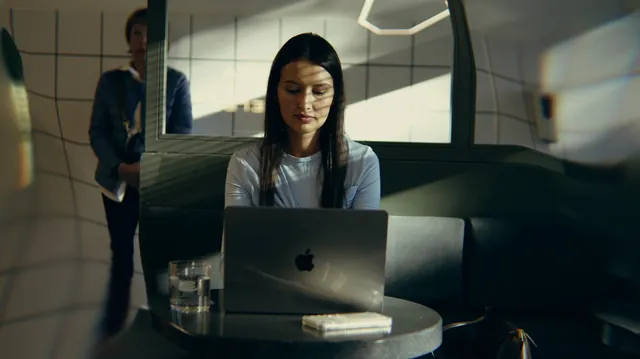
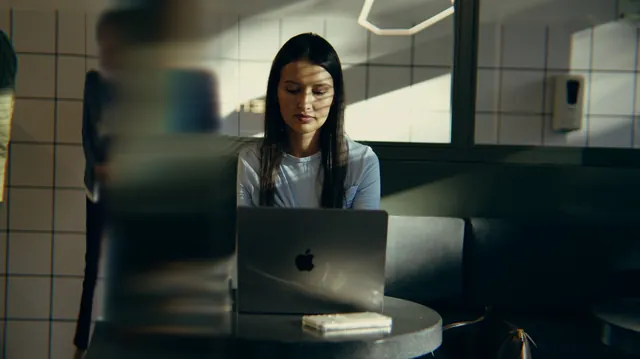
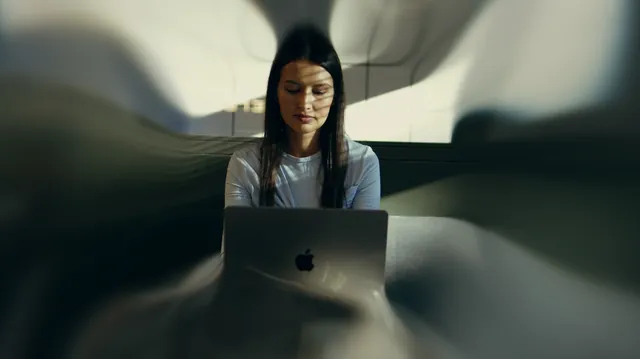

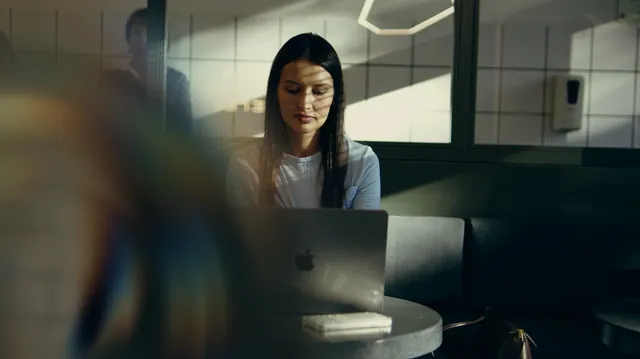


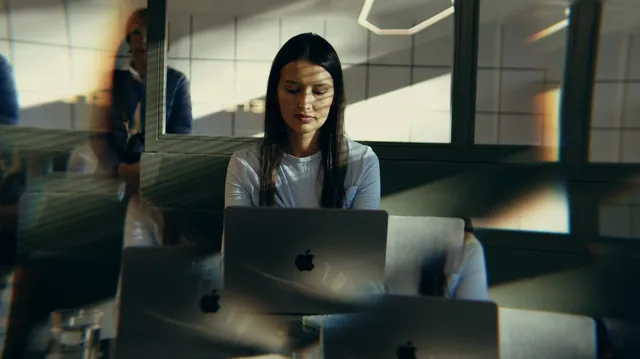
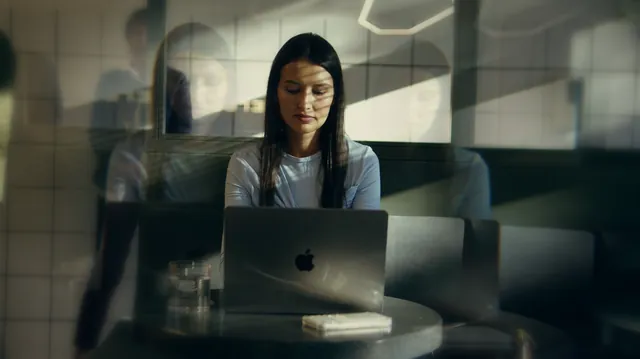
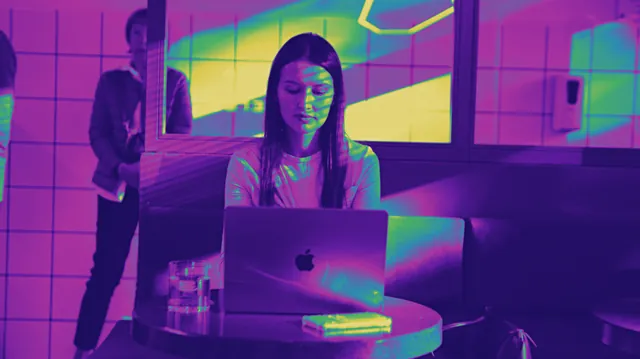

Look Browser.
Every look drawn on your current frame. Hover to preview, click to apply.
- Opens over Resolve and shows every look on the frame you are on.
- Pin the window and keep picking while you cut.
- Drag the gold cross in the viewer to move the Center.
- Strength, Edges, In and Out, Stop Motion: on every look.
50 transitions.
Crystal, camera, flow and light, right in Video Transitions.
The installer puts every transition in place. No separate .drfx is needed.
Effects › Video Transitions › Әl-Bai Tasvir › Tasvir AltynVideo lessons.
Step by step in Resolve. The first lessons come out soon.
What people say.
Used Tasvir Altyn? Tell others how it went. No sign-up, just your name.
Leave a review
Inside the OFX.
Tabs
CrystalMotionX-RayDisplaceCameraFlow
Look Browser
StrengthEdgesIn and OutStop MotionCenterPin
Transitions
WhishShadowZoom InZoom OutGlass WipeDoorsWaterHorizonVortex
Looks
Two SidesLiquidClear RingMoonriseWhirlWindowBrilliantShardsTwinThermalSolar WaveSnap Zoom
- Host
- DaVinci Resolve 20+, Studio and Free
- GPU
- 4 GB of video memory or more
- Mac
- macOS 15 Sequoia or later on Apple Silicon, 8 GB of memory, 16 GB with Fusion
- Install
- One installer: the plugin and every transition
- License
- One key for two computers · free updates
- Trial
- Full plugin with a watermark
Questions. Answers.
Does it work in the free DaVinci Resolve?
Yes. It runs in DaVinci Resolve and DaVinci Resolve Studio, version 20 and newer.
What comes with a license?
One license works on 2 computers, updates are free.
Can I try it first?
Yes. Download it and use every look and transition. Until you activate a key, a watermark shows on the picture.
What computer do I need?
Windows 10 or 11 (64-bit) with 16 GB of memory, or a Mac on Apple Silicon with macOS 15 Sequoia or later and 8 GB of memory. A graphics card with 4 GB of video memory or more. The full list is on the download page.
Where do I find it in Resolve?
Run the installer and restart Resolve. Open Effects, then OpenFX, then Әl-Bai Tasvir, and drag Tasvir Altyn onto a node or an adjustment clip. Open the Look Browser to see every look on your own frame.
Where are the transitions?
Effects, Video Transitions, Әl-Bai Tasvir, Tasvir Altyn. The installer adds them with the plugin.
Is the license mine forever?
Yes. You pay once and keep the key for good. Every update is free.
How many computers can I use?
One key works on two computers at the same time.
I got a new computer. What now?
Enter your key on the new computer. It takes the place of the one that has been offline the longest. Keep the key private: whoever has it can take a place.
Where is my key after payment?
On the page right after payment and in your inbox. Look in Spam and Promotions too, then save the key somewhere safe. Lost it? Write to baiproductionwork@gmail.com from the e-mail you paid with.
Where do I keep my keys and promo codes?
In your personal account. The letter with your key has a link to create it. Every key and promo code you get stays there, and two-factor sign-in with an authenticator app keeps the account safe.
Do I need the internet?
Once to activate. After that the plugin checks in about once a day and keeps working offline for up to 30 days.
How do I pay?
By card (Visa, Mastercard, JCB, Discover, Diners Club and others), PayPal or Apple Pay in US dollars or euros. In euros also iDEAL, MB WAY, Bancontact or a SEPA transfer; Pix too. In rubles: SBP or a Mir card through Tochka Bank. The key arrives right after payment.
Dollars and euros go through lava.top, rubles through Tochka Bank. You enter card details on their protected page, and they go straight to the bank.
Something went wrong. Who do I write to?
Press Write to us below and attach screenshots or a screen recording. Inside the plugin, Write to Support in the License section opens the same form and sends the plugin log along. I read every message myself.
Is there a Mac version?
It is on the way. Write to us and you will hear first.
Crystal for your next cut.
Free trial with a watermark · one installer for the plugin and transitions · support: baiproductionwork@gmail.comVersion roadmap.
1.0The first release
59 looks in six tabs: crystal, motion, X-Ray, displace, camera and flow. The Look Browser draws every look on your own frame. 50 transitions sit right in Video Transitions. One installer puts the plugin and every transition in place. For Windows 10 and 11.